
Uma Musume Affinity Calculator
Estimate legacy compatibility, inheritance strength & parent setup quality.
The trainee you are building around.
First legacy parent.
Second legacy parent.
Shared across both options.
First option to compare.
Second option to compare.
Optional — add sub-legacy characters for deeper chain depth.
A legacy setup can look fine at first glance, then fall apart once you check the parent match. That is the problem this Uma Affinity Calculator is built to solve. It gives you a quick way to test your main Uma, compare parent choices, and see whether the setup has enough compatibility to be worth using.
The tool is made for players who want a fast Uma Musume affinity calculator without login, downloads, images, or heavy loading. It can also help if you are looking for an Uma Musume legacy affinity calculator, Uma parent affinity calculator, or Umamusume inheritance affinity calculator.
This fan-made calculator is built for planning only. It is not connected with Cygames, GameTora, or the official Uma Musume: Pretty Derby game. The result should help you think through a setup, not replace the in-game result.
The parent pair matters before the run starts
Most players think about skills, sparks, and final build goals. That makes sense. But the parent pair can shape the whole plan before the training run even begins.
A strong main Uma with weak parents may still give you a poor setup. A more balanced pair can give a better estimate even if one parent is not the most popular pick. That is why players search for terms like uma affinity calculator, umamusume affinity calculator, and uma legacy affinity calculator.
The goal is simple: check the setup before you waste time on a weak chain. The game uses affinity-style symbols such as triangle, circle, and double circle. Players usually treat double circle as the better target and triangle as a weaker sign. This calculator follows that familiar idea, but it shows the result in a clearer way with a score, label, weak-link note, and tips.
A quick lesson from testing parent pairs
One thing becomes clear after testing a few Uma setups: a strong character name does not always mean a strong legacy result. Some parent pairs look good at first, but the score drops once distance, running style, race overlap, and duplicate choices come into the picture.
That is why Compare Mode is useful. Instead of guessing between two Parent 2 options, you can test both and see which setup gives the cleaner path before you start the run.
The result is built around practical choices
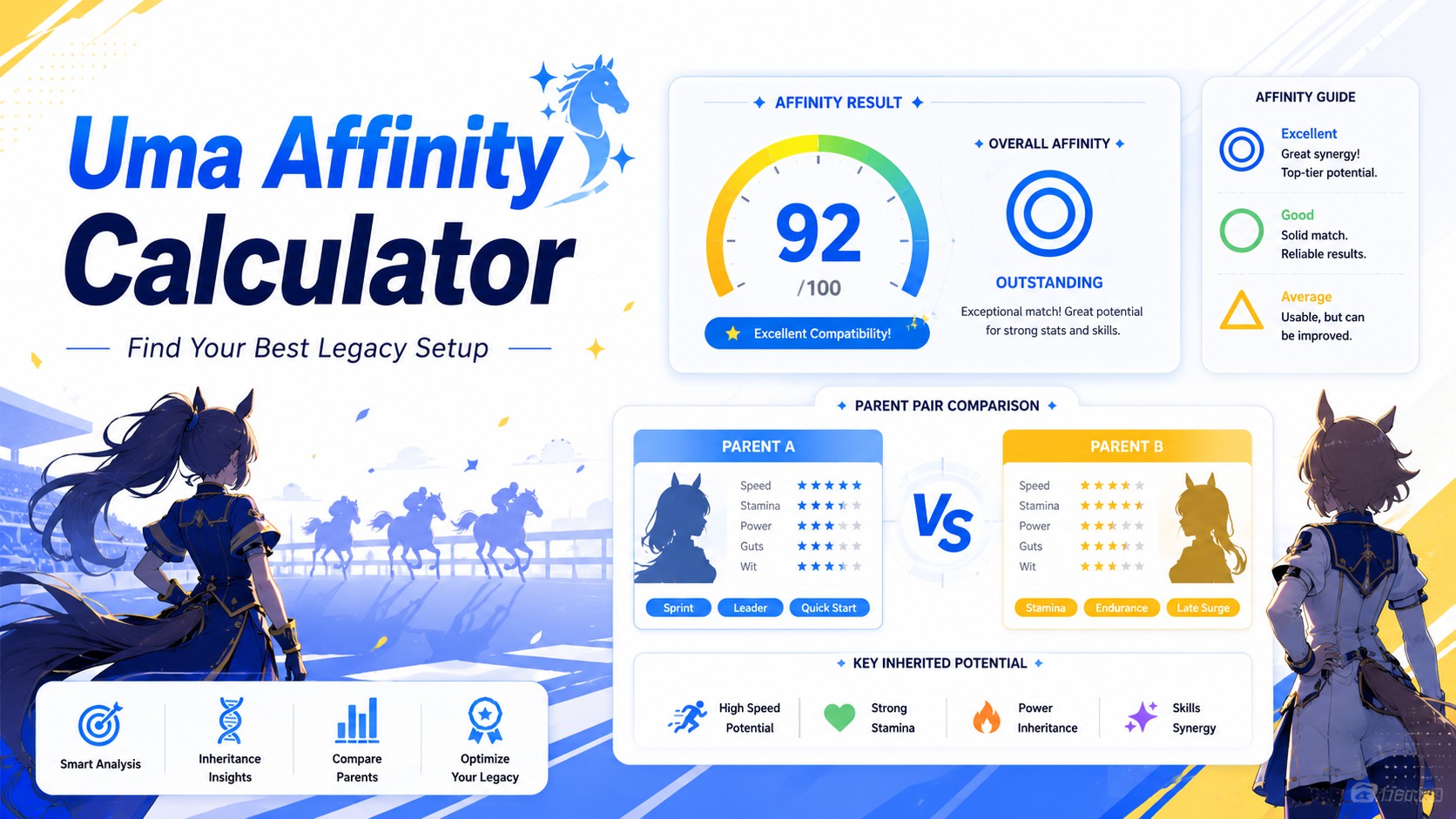
This is not meant to be a complicated spreadsheet. You choose your main Uma, select Parent 1 and Parent 2, and then check the estimate.
The result card gives you:
- an estimated score from 0 to 100
- a triangle, circle, or double-circle style label
- a confidence level
- a weak-link note
- short tips based on the setup
That makes the tool useful during real planning. You do not need to read a long guide before you test a pair. The calculator also has Compare Mode. That helps when you already know your main Uma and Parent 1, but you cannot decide between two Parent 2 options. Instead of testing one setup, resetting it, and testing the second setup, you can compare both at once.
This is where the tool becomes more than a basic affinity compatibility calculator Uma Musume page. It helps you make a decision.
How the estimate is judged
The calculator looks at the selected characters and checks how well they connect. It does not claim to use the exact hidden game formula. It uses planning signals that matter when players think about legacy setup quality.
The main checks include:
- Main Uma to Parent 1 match
- Main Uma to Parent 2 match
- parent and grandparent chain
- shared distance tags
- shared running style tags
- race overlap estimate
- duplicate character use
- player goal, such as blue sparks, pink aptitude, skill hints, or legacy loop
The final score falls into three easy groups.
△ Low Affinity means the setup likely needs better parent choices.
○ Good Affinity means the setup looks usable for normal planning.
◎ Excellent Affinity means the setup has strong estimated legacy compatibility.
The exact in-game formula is not fully public. Treat the score as a planning estimate.
A note for GameTora users
Many players know the GameTora Uma affinity calculator because GameTora has a compatibility tool for main Uma and legacy characters. Some users search directly for gametora uma affinity calculator or affinity calculator Uma Musume GameTora because they already know that type of tool.
This FlashyTools version does not copy GameTora. It gives users a cleaner browser-based option with a simple result card, Compare Mode, weak-link hints, and a layout that works well on mobile.
That matters for global players who want a quick check without opening a heavy page or scrolling through too many options.
JP and global players are checking the same basic thing
Players may search for uma affinity calculator jp, Uma Musume affinity calculator jp, or umamusume affinity calculator global. The wording changes, but the main need stays the same. You want to know whether the parent setup makes sense.
The calculator works as one global tool. It does not need separate pages for JP, English, or other regions. A parent setup still depends on compatibility, distance, style, race overlap, and legacy chain quality.
That keeps the tool simple. One calculator can serve players who search for Uma Musume Pretty Derby affinity calculator, Umamusume Pretty Derby affinity calculator, or a shorter phrase like Uma calc.
Parent choices carry most of the weight
The parent setup is the heart of the result. The calculator can work as an Uma parent affinity calculator because it focuses on how the parents connect to your main Uma.
It can also work as an Umamusume parent affinity calculator or Uma Musume legacy affinity calculator because it checks the wider legacy setup, not just one character.
A useful parent often shares one or more of these traits with the main Uma:
- similar distance focus
- similar running style
- helpful race overlap
- related group or era tags
- stronger grandparent support
A popular parent is not always the best parent. A less obvious pick can produce a better estimate if the tags line up more cleanly.
Compare Mode is for close calls
Some parent choices feel too close to judge by eye. Compare Mode helps in that situation.
Here is a simple example:
Main Uma: Special Week
Parent 1: Silence Suzuka
Parent 2 Option A: Tokai Teio
Parent 2 Option B: Gold Ship
The calculator checks both setups and highlights the stronger one. It also shows the score difference. That tells you whether the better setup has a small edge or a clear lead. This helps players who want a practical Umamusume Pretty Derby affinity calculator, not just a list of character names.
Compare Mode is most useful when:
- your main Uma is already chosen
- Parent 1 is fixed
- two Parent 2 options both look possible
- you want to avoid guesswork
- you need a quick second opinion before a serious run
Race overlap can quietly change the setup
Two parent setups can look almost the same until you check the race side. That is why some players look for an Umamusume affinity calculator with races. They do not just want a parent score. They want to know whether the setup has a cleaner legacy path.
This tool adds race overlap as an advanced option because race history can help you judge how connected a setup feels. It is not the only factor, but it can explain why one parent pair looks stronger than another.
You can set race overlap as:
- Not sure – use this when you do not want to judge race history.
- Low overlap – the setup has little shared race direction.
- Medium overlap – the setup has some useful race connection.
- High overlap – the setup looks more connected for legacy planning.
This setting does not replace the in-game screen. It gives you one extra layer before you commit to a run. A setup with better distance, running style, and race overlap often feels more intentional than a random parent pair with no shared direction.
Race overlap matters most when you plan a legacy loop, compare two close parent options, or want a cleaner inheritance path.
Good affinity still leaves room for chance
A high score is a useful sign. It tells you the parent setup has better estimated compatibility than a random pair. But it does not mean the run will give you the exact inheritance result you want.
Spark quality still matters. Skill pools still matter. Stat factors, distance goals, race history, and the actual training run can still change the final value of the setup.
This is the part players sometimes overlook. A strong affinity estimate can make a setup look safe, but Uma Musume inheritance is not only about one number. A double-circle style result is a good signal. It means the selected characters connect well under the calculator’s logic. It does not promise perfect sparks, perfect skills, or the best possible outcome.
A low score also needs fair treatment. It does not always mean the setup is useless. It means the selected characters do not line up well based on distance, style, race overlap, parent chain, or duplicate use. Some players may still use a lower-score setup for a specific skill, factor, or personal build goal.
Use the result as a filter, not a final command. A good habit is to check the score first, then look at your real target. If the setup supports your goal, it may still be worth testing. If the score is low and the setup also lacks useful factors, try another parent pair.
The result card explains the setup, not just the score
A plain number can help, but it often leaves one question open: what should you change next?
That is why the result card shows more than a score. It gives you a quick read of the setup and points to the part that needs attention.
The estimated score gives the first view. It runs from 0 to 100, so you can quickly compare one setup against another.
The affinity symbol makes the result easier to scan. Triangle, circle, and double-circle style labels help you understand the setup without reading every detail.
The category turns the result into plain language. Low, Good, and Excellent tell you whether the setup needs work, looks usable, or has strong estimated legacy compatibility.
The confidence label tells you how complete the estimate feels. A setup with main Uma, both parents, grandparents, and advanced settings gives the tool more to judge. A setup with only the basic fields can still work, but the estimate has less detail behind it.
The weak-link note is often the most useful part. It may tell you that Parent 1 is weaker, Parent 2 has lower overlap, the distance/style match is poor, the chain has too many duplicates, or the grandparent side needs support.
The tips change based on the score and your goal. A blue-spark setup needs different advice than a pink aptitude setup. A legacy loop also needs more caution around repeated characters.
That makes the tool more helpful than a basic Uma rating calculator. It does not only tell you whether the setup looks good. It helps you understand why it looks good, where it falls short, and what to test next.
| Result Card Item | What It Means | Why It Helps |
|---|---|---|
| Estimated Score | A 0–100 score based on your selected main Uma and parents. | It helps you compare one setup with another fast. |
| Affinity Symbol | △, ○, or ◎ based on the estimated compatibility. | It gives a quick visual idea of setup strength. |
| Category | Low, Good, or Excellent affinity. | It tells you whether the setup needs work or looks usable. |
| Confidence Label | Low, Medium, or High confidence based on input detail. | It shows how much data the calculator had to judge the setup. |
| Weak-Link Note | The part of the setup that looks weakest. | It tells you what to change first. |
| Goal-Based Tips | Short advice based on your selected goal. | It helps you improve blue sparks, pink aptitude, skill hints, or legacy loops. |
| Duplicate Warning | A warning when the same character appears too often. | It stops repeat-heavy setups from looking stronger than they should. |
This table is useful when you want to read the result quickly. The score gives the broad picture, but the weak-link note and tips usually matter more when you want to improve the setup. A setup with a good score can still need changes if it has duplicate characters or poor goal alignment.
Duplicate-heavy chains can mislead you
The calculator warns you when the same character appears too many times in the setup. A duplicate-heavy chain can look strong on the surface, especially if the character shares many tags with itself, but that does not always make it a clean legacy plan.
The tool applies a penalty in those cases. That keeps the score from becoming too generous. A clean chain with better variety often gives a stronger planning base. This is especially true when the main Uma, Parent 1, and Parent 2 are all the same. That type of setup should not look like a strong inheritance plan just because the tags match.
A quick habit before you choose parents
Do not pick a parent only because the name looks strong. Check how that parent connects to the main Uma.
A simple habit helps:
- Pick the main Uma first. Decide the goal next. Then test parent options based on distance, running style, race overlap, and chain support.
- That order saves time. It also stops you from testing random combinations that do not match the build you actually want.
- This is where an Umamusume legacy affinity calculator becomes useful. It gives you a quick reality check before you commit.
Best times to use the calculator
The tool helps most before a serious training run. It also helps when you feel stuck between two parent options.
Use it when you want to:
- test a parent pair fast
- compare two Parent 2 choices
- check a legacy setup before a run
- plan blue sparks or pink aptitude
- avoid a duplicate-heavy chain
- understand why a setup feels weak
- use a simple Umamusume affinity calculator without extra clutter
Beginners can use it too. You do not need to know every hidden mechanic. The tool gives a simple label and short tips.
Try another fun game tool
Want something quick and random after planning your Uma setup? Try the Spin the Wheel Game Online for random picks, name draws, challenges, and fun decision-making.
Privacy and tool safety
This calculator runs in your browser and it does not upload your selected characters to a server. It does not need cookies, login, tracking, or account access and it also avoids official game images and copyrighted artwork, The tool uses text-only names and editable planning tags.
That keeps the page fast and clean for FlashyTools.com users.
One last caution before you trust the score
This Uma Musume Pretty Derby affinity calculator can help you compare parent choices and spot weak points in your legacy setup. It can save time and make your planning feel less random.
It should not be treated as an official formula or guaranteed inheritance result. Use it to find a better setup. Then test your final choice in-game.
What players usually want to know
What does the Uma Affinity Calculator do?
The calculator estimates how well your selected main Uma, parents, and optional grandparents connect for legacy planning. It gives a score, affinity symbol, confidence label, weak-link note, and short tips so you can judge the setup faster.
Is this calculator connected with the official Uma Musume game?
This fan-made tool is built for planning only and is not connected with the official Uma Musume: Pretty Derby game, Cygames, or GameTora. The result is an estimate, not an official in-game value.
What does ◎ Excellent Affinity mean?
◎ Excellent Affinity means your selected setup has strong estimated compatibility. It usually means the parent choices share better distance, style, race, or chain connections with the main Uma.
Does a high affinity score guarantee better inheritance?
A high score gives a useful signal, but inheritance still depends on spark quality, skills, stat factors, distance goals, and the actual run. Treat the score as a guide, not a promise.
Why does my setup show Low Affinity?
Low Affinity usually means the selected characters do not match well in distance, running style, race overlap, parent chain, or duplicate use. Try changing the weaker parent first, then compare the new setup.
How does Compare Mode help?
Compare Mode lets you test two Parent 2 options side by side. It shows both scores, highlights the better setup, and helps you avoid guessing when two parent choices look close.
Can this work as an Uma legacy affinity calculator?
The tool can help with legacy planning because it checks parent setup, grandparent support, race overlap, duplicate choices, and goal-based tips. It is useful for players who want a quick legacy compatibility estimate.
Why does the calculator warn about duplicate characters?
Duplicate-heavy setups can look stronger than they should because the same character may share many tags with itself. The calculator adds a penalty so repeat-heavy chains do not receive an unfairly high score.
Should I always choose the setup with the highest score?
The highest score is often the better starting point, but your real goal still matters. A slightly lower-score setup may be useful if it has better skills, sparks, or aptitude support for your build.
Does the tool save or track my selections?
The calculator runs in your browser and does not need login, cookies, tracking, or account access. Your selected characters are not uploaded or stored by the tool.